
Assessing physical monitoring tools: Haven and reliance limits
Apps such as Haven try to turn a phone into a room sensor, but alerts can fail and an unmaintained app becomes a risk of its own. The original Haven project is not steadily maintained as of 2026; start with physical locks and a human plan.
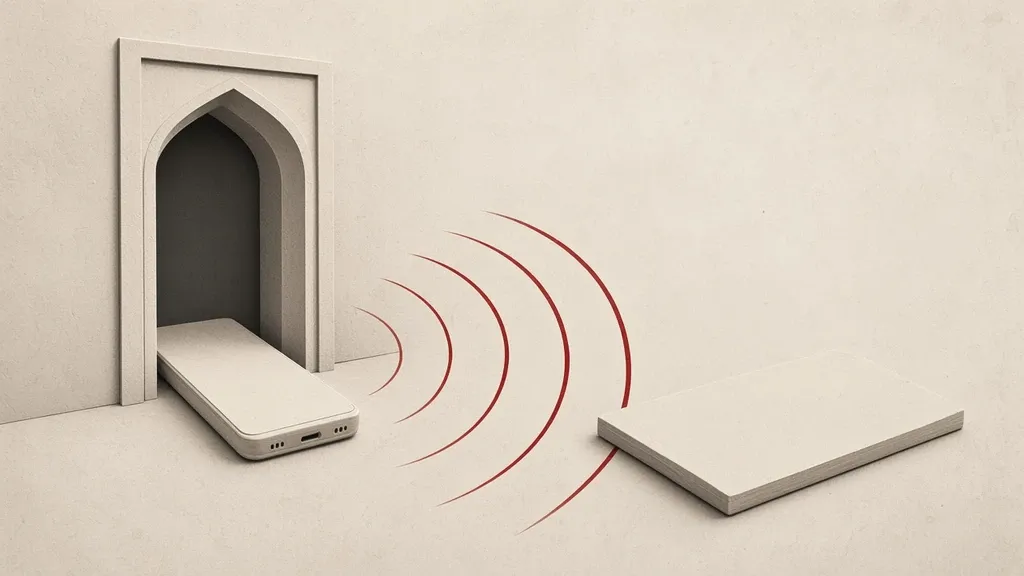
Apps such as Haven try to turn a phone into a room sensor, but alerts can fail and an unmaintained app becomes a risk of its own. The original Haven project is not steadily maintained as of 2026; start with physical locks and a human plan. A phone sensor does not replace a door lock, a person you trust or an emergency contact plan.
Locks, moving devices and what you leave on a table are covered in physical information security. This page assesses monitoring tools; it does not replace that plan.
What these tools do and do not do
The idea is simple: a phone stays in a room, the camera or microphone or a motion sensor notices a change, and a message is sent to you. That only works if the phone stays on, the app keeps running, the sensor actually sees the event, and the notification path is open at that moment.
- If the network is down, jammed, or SMS and messenger notifications do not arrive, a local detection alone will not reach you somewhere else.
- If someone enters and takes or switches off that phone, the monitoring ends there.
- Low light, a bad angle, a covered camera and a weak battery can each miss a real event.
- Harmless movement—a curtain, an animal, a shadow—creates false alerts, and after a few of those you may not take a real alert seriously.
- The monitoring phone itself is a recording device with an open camera and microphone. If it is stolen, what it stored and the accounts on it are at risk too.
These tools do not make entry impossible. At best they sometimes tell you that something changed. A late alert, a missing alert or an alert you have learned to ignore is not a security plan. The backbone of the plan should be what still works without a battery and without a signal: a physical door lock, a clear table and the company of a trusted person who clearly knows the plan for that trip.
The status of Haven
Haven became known as an open-source project that turned an Android phone into a room sensor. As of 2026 the original project is not steadily maintained. The official maintainers have already said they no longer keep it actively, and the app has left the official store. Third-party forks do not replace official maintenance, and installing a file from an unknown source is a separate risk of its own.
- An app that is not tested on a new Android version may be killed in the background, lose lasting sensor access or send alerts late.
- Without security updates, a discovered weakness is not patched, while the app still asks for broad camera, microphone and storage access.
- Do not treat a file reshared in channels as a carefully maintained build from an active team.
- Even when it was actively maintained, relying on a single phone to “know whether someone entered the room” had high physical limits; with maintenance stopped, that reliance is weaker, not stronger.
Start with locks and a human plan
- Lock doors, windows, drawers and the place where you keep devices. An app cannot make up for an open lock.
- If you can, take sensitive equipment with you or put it in a locked place, instead of leaving it on a hotel table under a sensor.
- Agree in advance with someone you trust what they should do if you do not check in at a set time.
- When you travel, arrange the room by what sits on the table: papers, a badge, a device left on.
- If the goal is to know about entry into a shared workspace, do not replace a conversation with colleagues and a workplace policy with a hidden camera on a personal phone.
If you are still assessing such a tool
This section is not a recommendation to install Haven. If you come across any similar app, weigh these points before you rely on it. Recording other people’s space without their knowledge is a legal and ethical problem in many places; this page does not teach that.
- See who maintains the app today, when the last official update was and how it is distributed.
- If it is not actively maintained, do not install it on the daily phone that holds your mail and messengers.
- Weigh camera, microphone and storage permission against the benefit you would actually get.
- Test once in real conditions—with the door closed, night lighting and the network deliberately cut—to see whether an alert arrives. If it fails in the test, it will fail in an incident.
- Look at the notification path separately from the room: if it depends only on that space’s Wi-Fi, cutting that Wi-Fi cuts the alert.
- Do not leave files the app creates sitting unencrypted on that device.
- After you finish, do not just close the app and assume the sensors are off; revoke the permission in the system or remove the app from the daily phone.
The monitoring phone is itself a sensitive asset
- If a separate phone is used for this, do not sign your main accounts into it.
- That phone’s screen lock should be on so picking it up does not open everything.
- Do not place it so that it is the first thing an entrant sees.
- It needs a steady charge; dying in the middle of the night means that stretch passed with no sensor.
Build the plan around a missing alert
A good plan assumes the alert will not arrive. The question is: what do you do if no message comes? When you will return, who will look in from outside, and what should never have been left in that room must be clear before you travel. A sensor app is at most a weak extra layer, not the main pillar.
Newer Android and background work
The operating system limits apps that have sat in the background, to save battery. A sensor app that has not been adapted to a new version may stop recording events after a few hours while still looking “on” on the screen. That is why ongoing maintenance matters for this kind of tool, and why the lack of it is not a small technical detail.
- Battery optimization, swiping the app out of recents and power-saving mode can each stop the monitoring.
- Major Android updates have made background camera and microphone permission stricter.
- If the app has not been updated in years, assuming it will run steadily on a new phone is unreasonable.
The alert path should be separate from the place of the event
An alert is useful only if it reaches a place where you will actually see it. If both the monitoring phone and the phone that receives the notice depend on the same Wi-Fi or the same weak SIM, one outage disables both.
- See whether the notice goes by SMS, by a messenger or is only stored on that same phone.
- Local storage on the monitoring phone does not help you while you are away, unless you later return and assume the device is still there.
- The chosen messenger must be unlocked and available on the phone you carry; silenced notifications make the sensor useless.
What gets stored is itself a sensitive file
Many of these apps keep a picture or a sound from the moment of detection. If someone else gets the phone, those files show the story of an entry—or the everyday life of people who walked through the room. That is another reason the monitoring phone should not be the phone of your main accounts, and leftover files should be deleted or encrypted on purpose after a trip.
Forks and unofficial files
When the original project stops, its name stays on newer apps other people build. Some of those people may mean well; you cannot tell from the name. Installing such a file means handing the camera and microphone to code you have not reviewed. For most people, not installing is safer than “maybe this fork is fine”.
On a trip this tool does not replace arranging the room
A guest room, a dormitory and a rented office tempt you to “leave a phone so I know if someone came”. That kind of space usually has unknown Wi-Fi, limited outlets and staff who are allowed to enter. Motion alerts then mix service staff with unauthorized entry, and relying on them becomes exhausting. Clearing the table, locking a bag and not leaving a sensitive device in the room have a more predictable effect than a sensor that may switch off.
- If something must stay in the room, leave the least and least identifying object.
- Do not leave papers, a badge and an unlocked screen in the hope that the phone camera will warn you.
- Coordinate your return time and an emergency contact with someone outside the trip.
Common mistakes
- Leaving a laptop open on the table and imagining that a monitoring phone makes up for it.
- Installing an unmaintained app on your main phone.
- Not testing the alert before you rely on it.
- Assuming that no message means nobody came in.
- Pointing a phone camera at other people’s space without consent and without a legal basis.
- Downloading a file from a channel labeled “a better Haven”.
What to do today
- Review the physical plan for the room or workplace with the physical information security guide: locks, what is on the table, taking devices with you.
- Set a check-in or a return time with someone.
- Do not install Haven or an unofficial fork as the main layer of environmental security.
- If an app with camera and microphone access for monitoring is still on your phone and you no longer trust it, revoke its permission and remove it.
- If you are assessing an actively maintained tool, test the alert in real conditions first and include the chance of failure in the plan.
- Do not combine the monitoring phone with your main accounts.
- After a trip, if you tried such an app, turn off camera and microphone permission and remove leftover files from the device.
Related guides

Assess and plan
Physical information security: people, premises and continuity
Information security is not only digital. A screen lock, keeping devices out of other people’s hands, care with paper and USB sticks, and a backup outside the same building make…

Assess and plan
Digital security while traveling: less data, preparation and recovery
Before you travel, take fewer accounts and files, keep backups and recovery codes off the travel device, and check the lock and encryption. Avoid public Wi-Fi and unknown cables…

Assess and plan
Private communication: choose channels, verify contacts and limit disclosure
Private communication depends on more than the messenger’s name. Weigh the encryption of that specific chat, who the recipient really is, who else is in the group, and where…
Assess and plan
Multiple online identities: separation, recovery and anonymity limits
Separating online identities works only if you also separate recovery email, phone numbers, devices and payments. Changing a display name or opening a new browser profile does not…

Assess and plan
Detention risk: planning data, contact and responsible help
If detention or device seizure is a real possibility, carry less data, keep a backup elsewhere and agree a contact plan with someone you trust. This page is not legal advice, and…

Assess and plan
Community physical and digital safety
A community is safer when physical and digital risks are planned together. Shared passwords, unlocked devices and no agreement about a crisis multiply the damage of a raid or an…